
Regular bookings
Pick your dates, choose from the cars available, and book. You can add a coupon before paying.
Every car is kept at our yards in Bangalore and looked after by our team. When you book, you're renting from CruzeCars directly.


Find your drive
That's how many bookings Bangalore has trusted us with, from more than 20,000 customers. We earn it the unglamorous way: clean cars, honest handovers, and support that actually picks up.
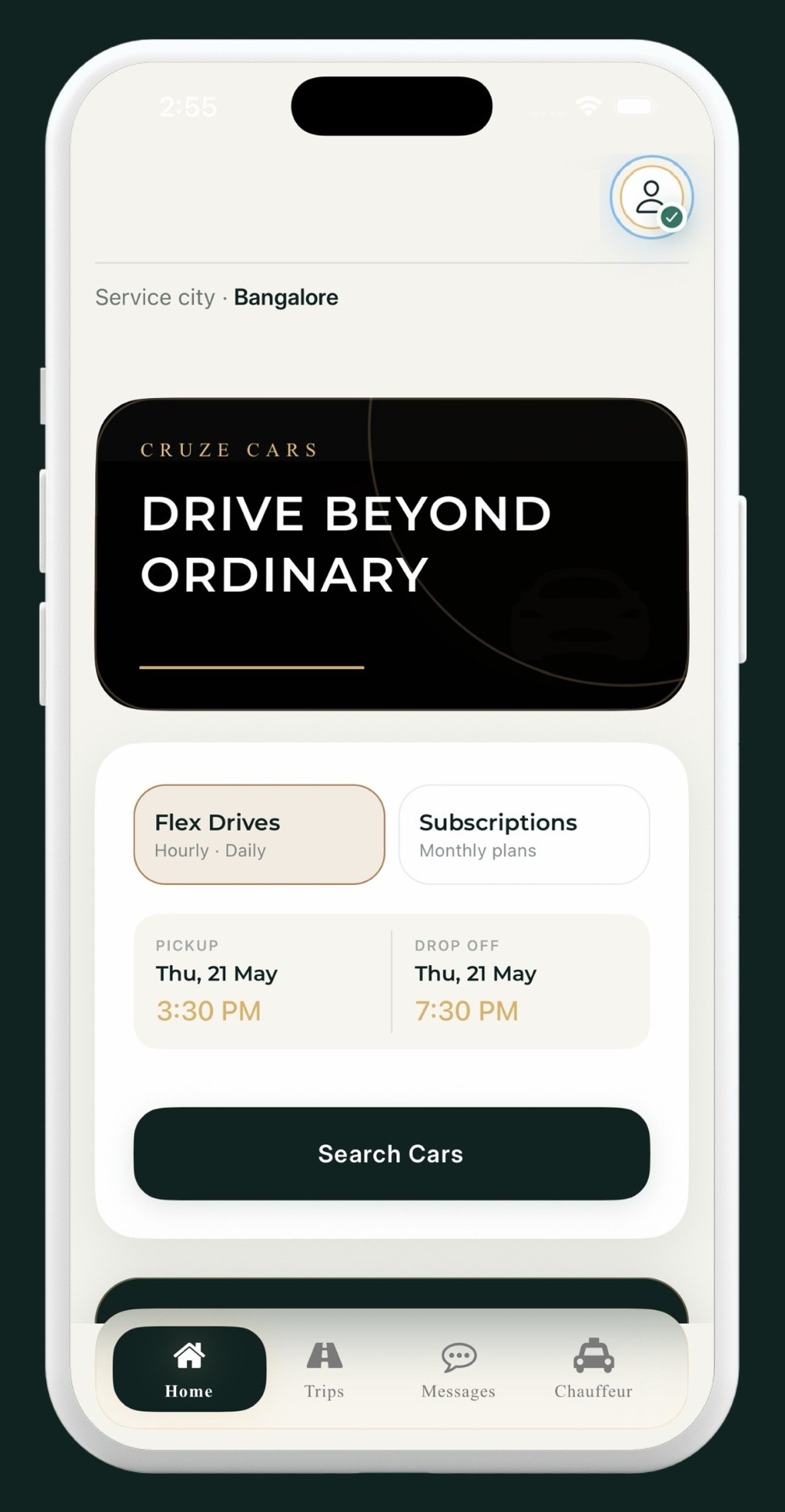
Car owners give their cars to us to manage. We park them at our yards, clean and maintain them, and rent them out ourselves.
Three ways to rent
Pick your dates, choose from the cars available, and book. You can add a coupon before paying.
For when you only need a car for a few hours, or for the day.
A car on a monthly plan, booked through the app.
On every trip
Identity verification happens through DigiLocker, inside the app.
The app takes you through a checklist when you start and end a trip. Need more time? Request an extension from the app.
Four steps, all in the app.
Step 1
Download CruzeCars and create your account.
Step 2
KYC is done through DigiLocker.
Step 3
Pick your dates and a car, then pay in the app.
Step 4
Do the start checklist before you leave and the end checklist when you're back.
The ones we get asked most.
Not yet. Bookings are made in the CruzeCars app, which is on Google Play and the App Store.
Prices change with the car, the dates and how long you book for. The app shows you the exact price before you pay.
It's how you book a car by the hour or by the day.
A Subscription lets you rent a car by the month through the app.
On Android and iPhone. You'll see prices in the app after choosing your dates and a car.